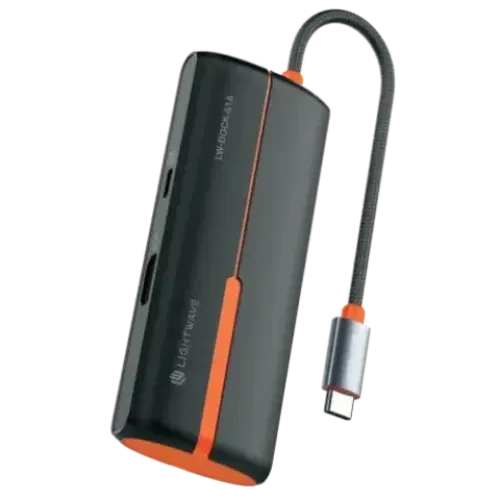
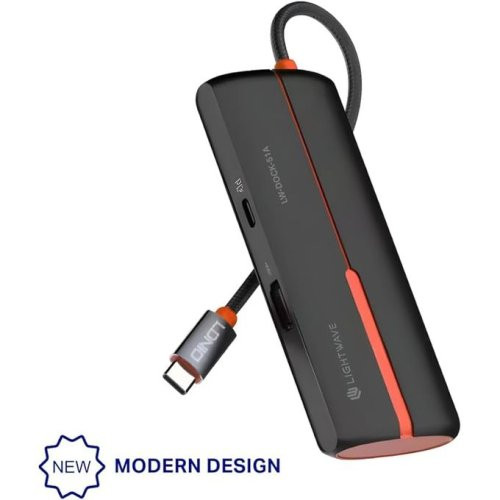
Light Wave USB-C Multi-Functional 5-in-1 Docking Station – LW-DOCK-51A – Overview
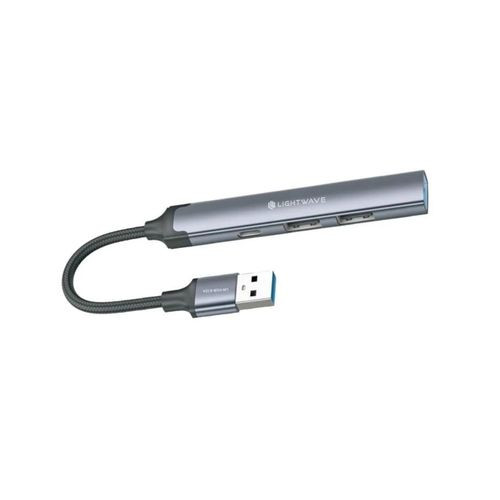
The Light Wave USB-C Multi-Functional 5-in-1 Docking Station – LW-DOCK-51A is a versatile connectivity hub that expands the capabilities of USB-C-enabled laptops, tablets, and phones. With five essential ports integrated into a single docking station, it lets you connect multiple peripherals, external displays, storage, and accessories simultaneously — ideal for workstations, home offices, students, and creative professionals who need more than the built-in ports on their devices.
Light Wave USB-C Multi-Functional 5-in-1 Docking Station – LW-DOCK-51A – Key Specifications
| Specification | Details |
|---|---|
| Brand | Light Wave |
| Model | LW-DOCK-51A |
| Type | USB-C 5-in-1 Docking Station |
| USB-C Connector | Integrated USB-C plug |
| Number of Ports | 5 ports (varies by unit capabilities) |
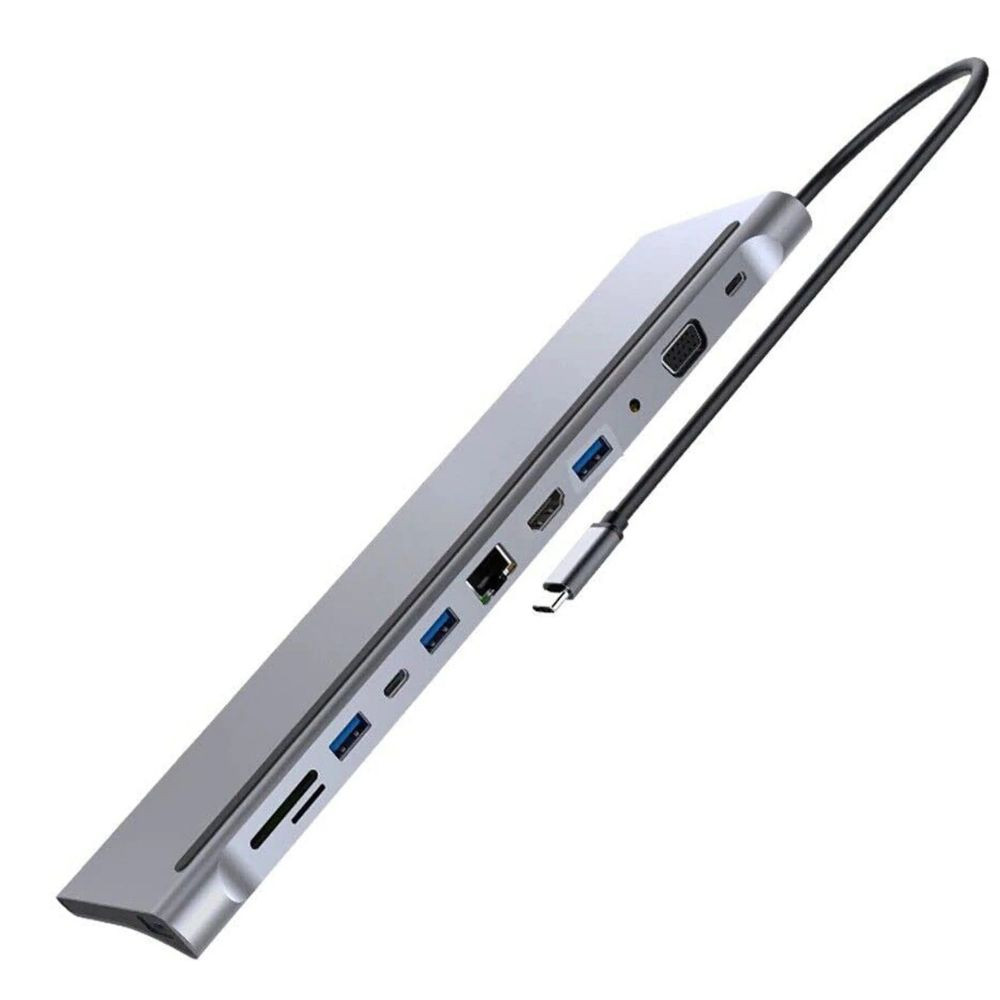
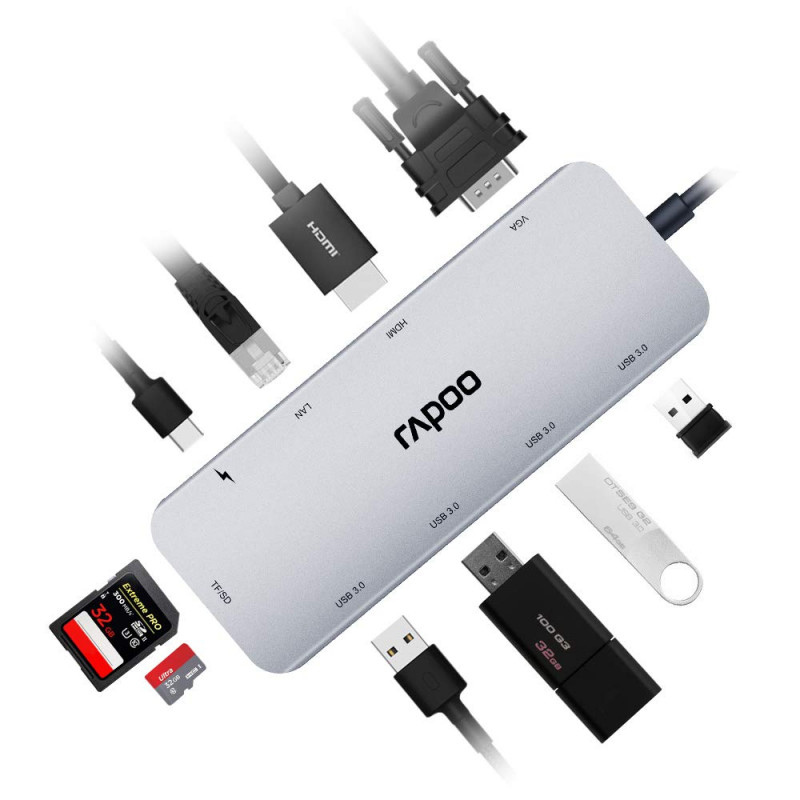
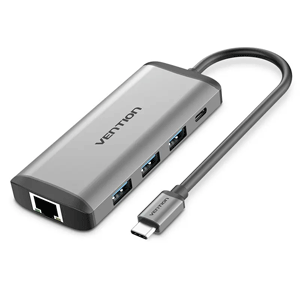
| Typical Ports | HDMI output, USB-A, Ethernet (RJ45), USB-C PD pass-through, SD/TF card reader (varies) |
| Colour | Often Black or Grey |
| Plug & Play | Yes |
| OS Support | Windows, macOS, ChromeOS, Android (OTG) |
| Power Delivery | Supported via USB-C PD port (host dependent) |
Light Wave USB-C Multi-Functional 5-in-1 Docking Station – LW-DOCK-51A – Price in Kenya
| Configuration | Price (KES) |
|---|---|
| Light Wave USB-C Multi-Functional 5-in-1 Docking Station – LW-DOCK-51A | 5,000 – 9,000 |
Light Wave USB-C Multi-Functional 5-in-1 Docking Station – LW-DOCK-51A – Port Layout
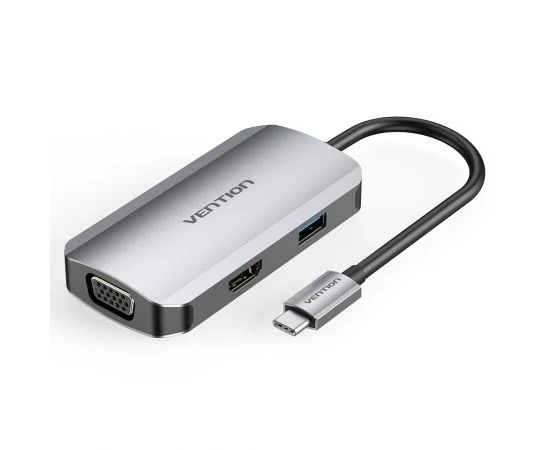
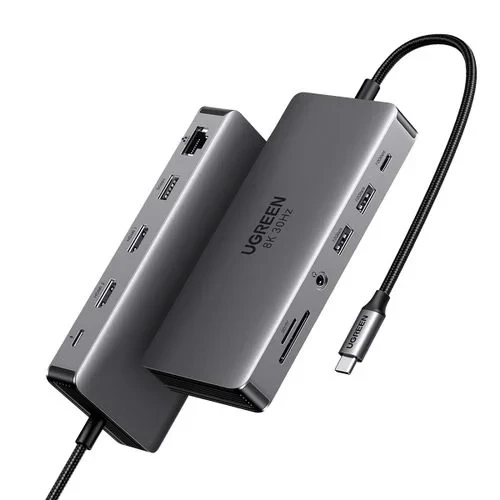
Typical 5-in-1 USB-C docking station configurations may include:
HDMI port — connect to an external monitor or TV
USB-A port(s) — for peripherals like keyboards, mice, flash drives
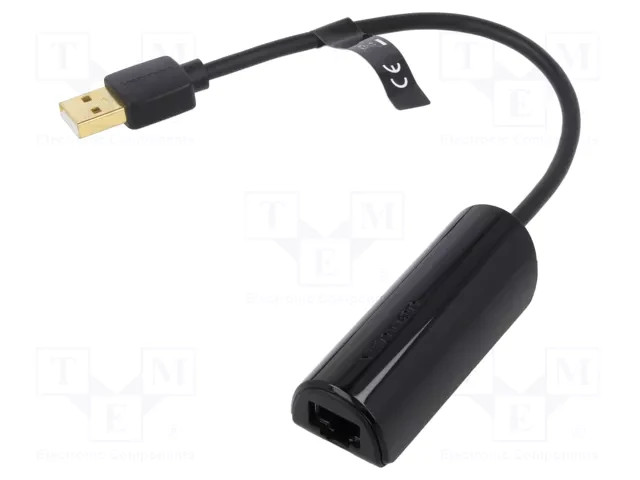
Ethernet (RJ45) — wired internet connectivity
USB-C PD pass-through — allows charging while the hub is connected
SD/TF card reader — for easy access to memory cards
Light Wave USB-C Multi-Functional 5-in-1 Docking Station – LW-DOCK-51A – Compatibility
USB-C laptops and notebooks (Windows, macOS, ChromeOS)
USB-C tablets and phones with OTG support
Devices that support USB-C Power Delivery for charging
Ideal for workstations needing multiple port types at once
Light Wave USB-C Multi-Functional 5-in-1 Docking Station – LW-DOCK-51A – Ideal Use Cases
Home office setups — connect external displays, Ethernet, and storage
Students and professionals needing expanded connectivity for work
Remote workstations with limited laptop ports
Photo/video workflows — read SD/TF cards and output to monitors
Conference and presentations — reliable connectivity for presentations
Light Wave USB-C Multi-Functional 5-in-1 Docking Station – LW-DOCK-51A – Design and Build
Compact and portable for travel and remote work
Durable housing suited for everyday use
Integrated USB-C connector eliminates the need for extra cables
Sleek finish matches modern devices
Light Wave USB-C Multi-Functional 5-in-1 Docking Station – LW-DOCK-51A – Performance
Enables simultaneous use of all connected ports
HDMI port supports external display output (resolution depends on device)
USB-A ports offer standard USB transfer speeds
Ethernet port delivers stable wired network access
USB-C PD port allows pass-through charging while docking
Light Wave USB-C Multi-Functional 5-in-1 Docking Station – LW-DOCK-51A – Pros and Cons
| Pros | Cons |
|---|---|
| Expands ports for multiple devices | Some features depend on host device support |
| HDMI and Ethernet built in | Ethernet may be limited by hub chipset |
| USB-C PD pass-through charging | HDMI resolution depends on laptop |
| Compact and portable | — |
Light Wave USB-C Multi-Functional 5-in-1 Docking Station – LW-DOCK-51A – FAQs
Will this docking station work with my USB-C laptop?
Yes — as long as your laptop’s USB-C port supports data transmission (and HDMI/PD if those features are needed).
Can I connect to an external monitor?
Yes — via the HDMI port, provided your device supports video output over USB-C.
Does it provide wired internet?
Yes — the Ethernet (RJ45) port offers wired network access.
Can I charge my laptop while using the hub?
Yes — if your device supports USB-C Power Delivery and the hub’s PD port is enabled.
Do I need software or drivers?
No — most USB-C hubs and docking stations are plug-and-play.